TelvoipTelvoip
  • Pricing
  • Partners
  • Contact
GuidesDevelopersChangelog

Telvoip guides

Customizing Your Site

Site configurationHow to customize your site's theme
Knowledge Base/Customizing Your Site
Customizing Your Site

How to customize your site's theme

Apply branding, color tokens, and visual hierarchy to your docs site.

This guide was updated Apr 2026.

On this page

Theme tokensTypography systemAccessibility checks

A consistent theme helps support teams and customers trust documentation as an official source of truth.

Theme tokens

Use shared tokens to reduce style drift and make future brand updates easier across every page.
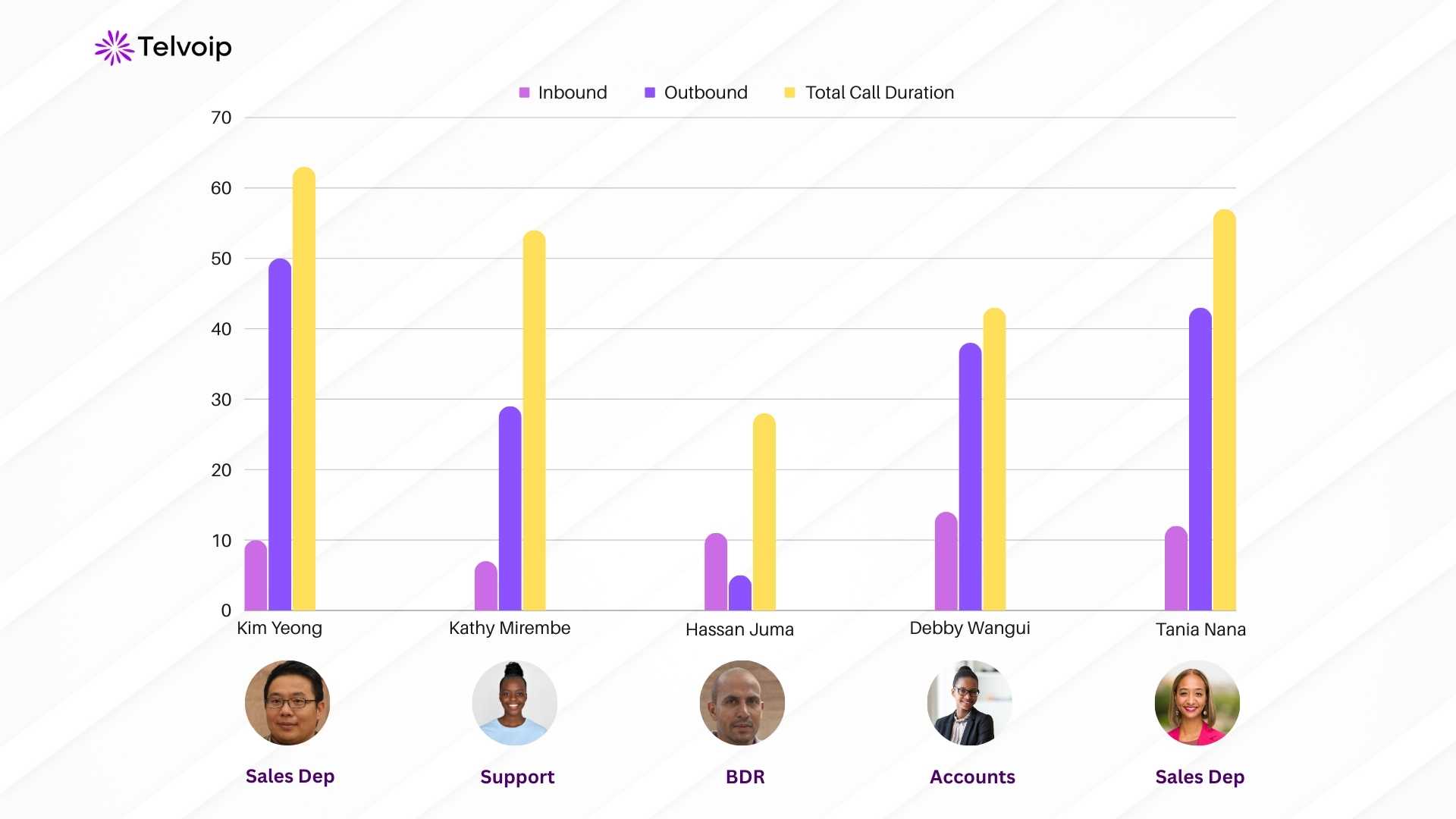
Theme token setup in Telvoip knowledge base

Typography system

Use a predictable text scale for headings, paragraph copy, and notes so readers can scan docs quickly.
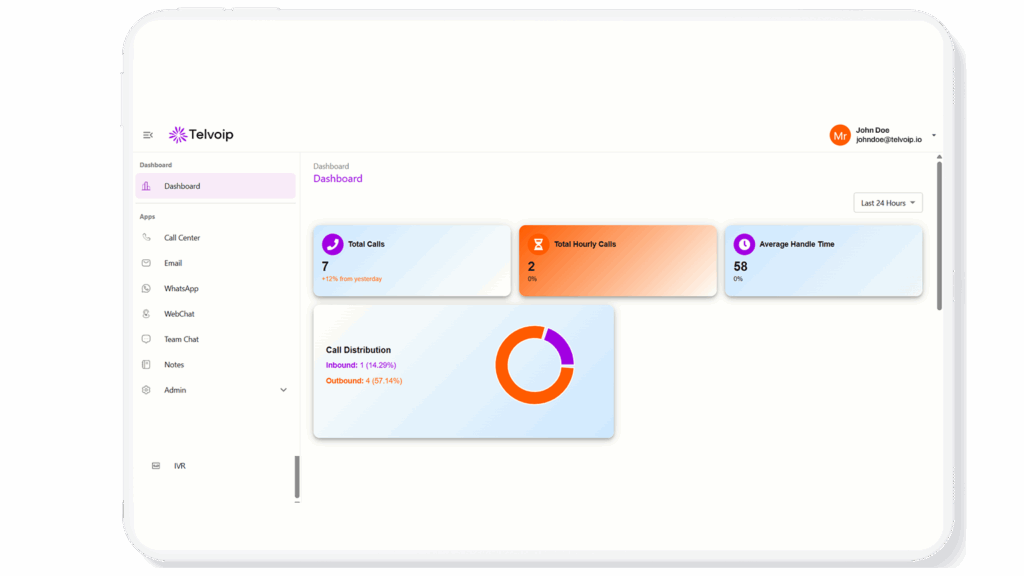
Typography and readability analytics dashboard

Accessibility checks

Validate color contrast, keyboard focus states, and anchor visibility in long-form documentation pages.
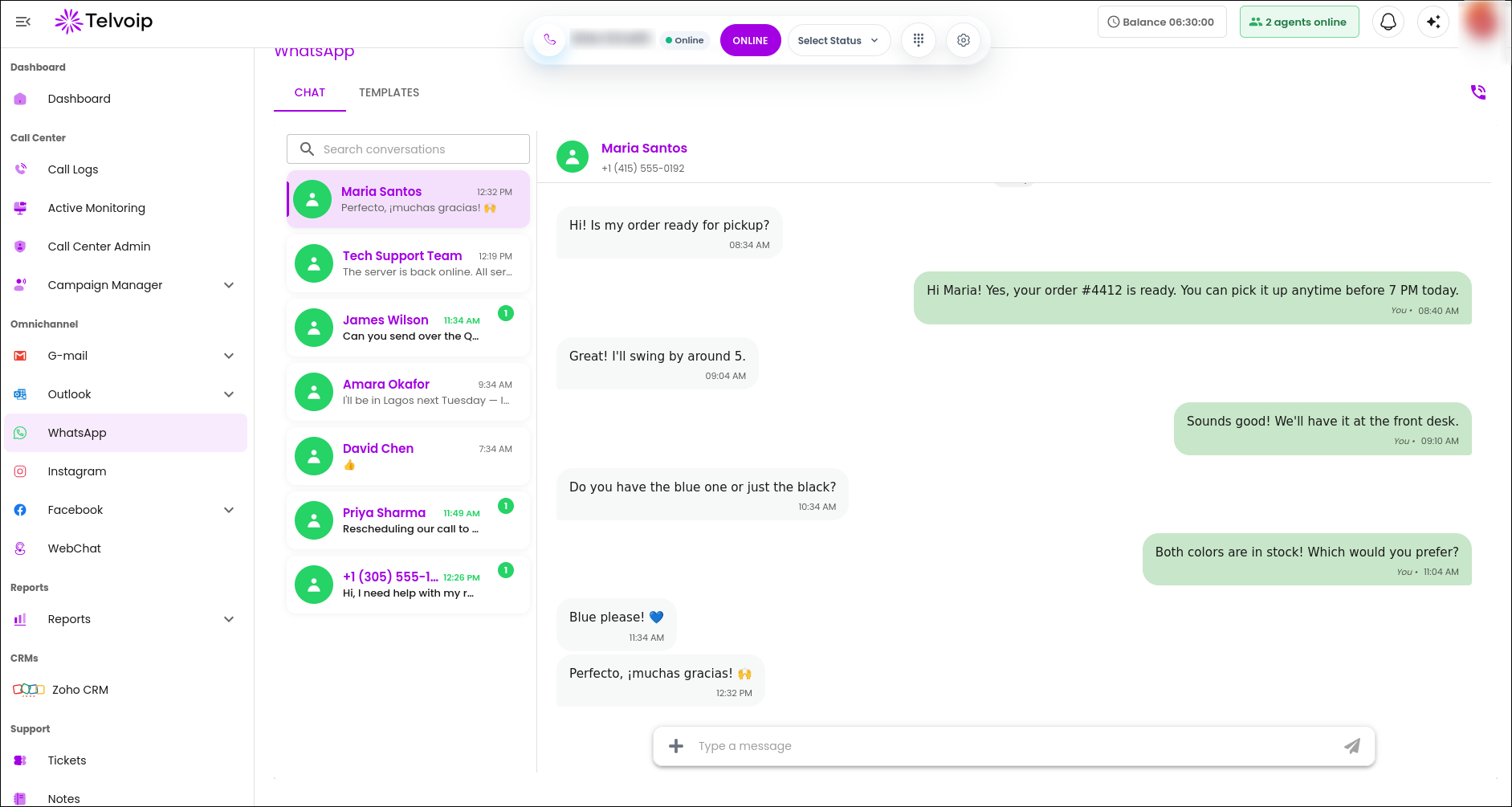
Accessibility checks across Telvoip channel interfaces

Related articles

PreviousNo previous articleNextNo next article

Was this helpful?

On this page

Theme tokensTypography systemAccessibility checks

Stay updated with Telvoip

Get product updates, customer experience insights, and practical contact centre tips in your inbox.

Telvoip

support@telvoip.io

Products

  • Contact Center
  • Omnichannel Inbox
  • AI & Automation
  • Integrations & Ecosystem

Use Cases

  • Fintech
  • Collection Agencies
  • Transport & Logistics
  • Staffing & Recruitment
  • Small Businesses
  • Medium & Large Enterprises
  • Real Estate
  • Healthcare
  • Travel & Hospitality

Company

  • About Us
  • Contact Us
  • Careers
  • Blog
  • Partners

Legal

  • Privacy Policy
  • Terms & Conditions
  • Cookie Policy
  • API Terms of Use
© 2026 Telvoip. All rights reserved.