TelvoipTelvoip
  • Pricing
  • Partners
  • Contact
GuidesDevelopersChangelog

Telvoip guides

Editing & Publishing Documentation

Core guidesHow to create and publish docsHow to use Telvoip's editor
Knowledge Base/Editing & Publishing Documentation
Editing & Publishing Documentation

How to create and publish docs

Build a repeatable process for drafting and publishing Telvoip docs.

This guide was updated Apr 2026.

On this page

Drafting standardsReview workflowPublishing checklist

Use this workflow to keep Telvoip product documentation clear, consistent, and easy for customers to follow.

Drafting standards

Start with the customer job-to-be-done, then write in short steps with one action per line. Avoid mixing setup and troubleshooting in the same section.
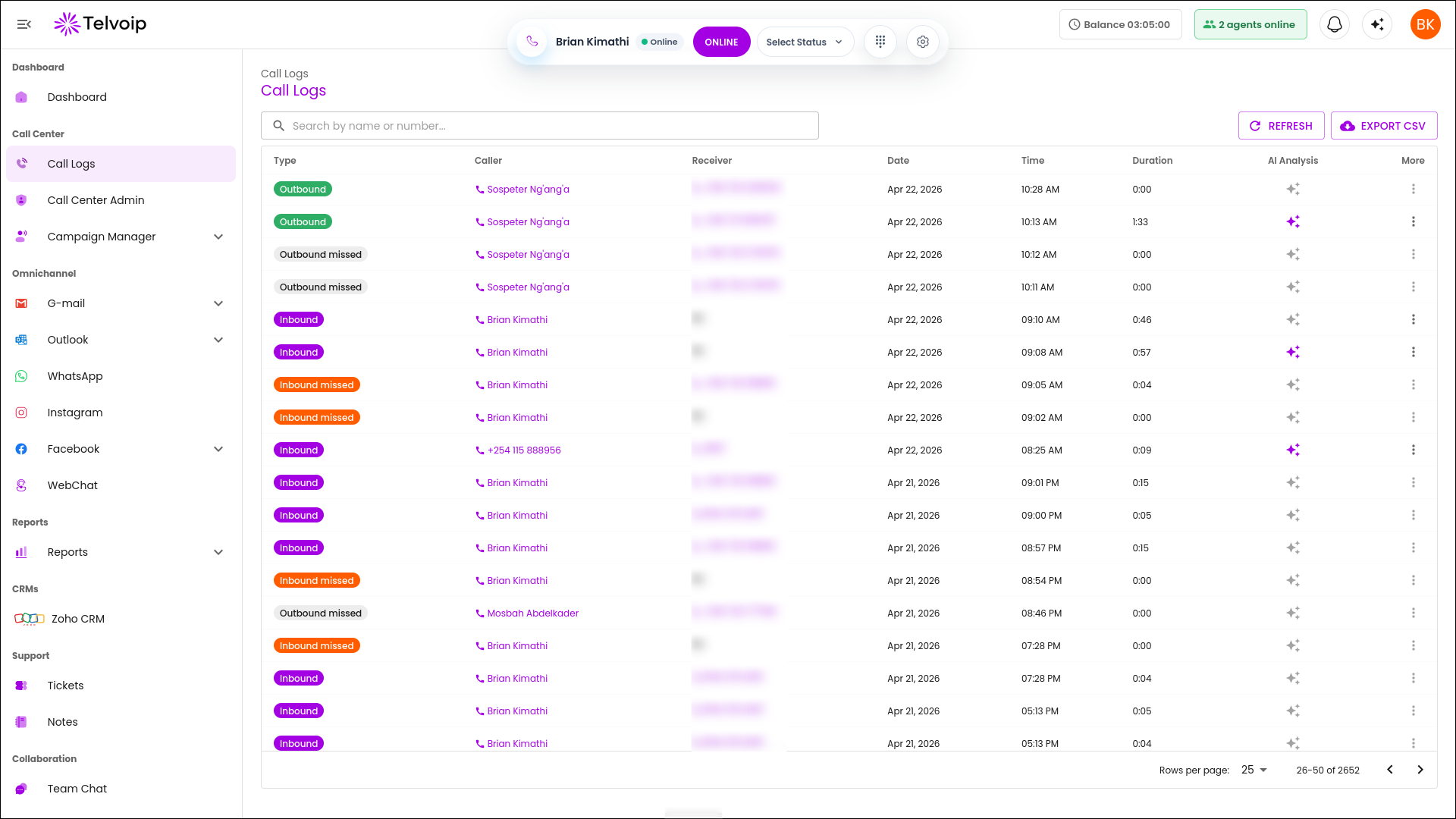
Telvoip dashboard for documentation drafting standards

Review workflow

Assign one product owner and one support reviewer for each draft so technical accuracy and customer clarity are both checked before release.
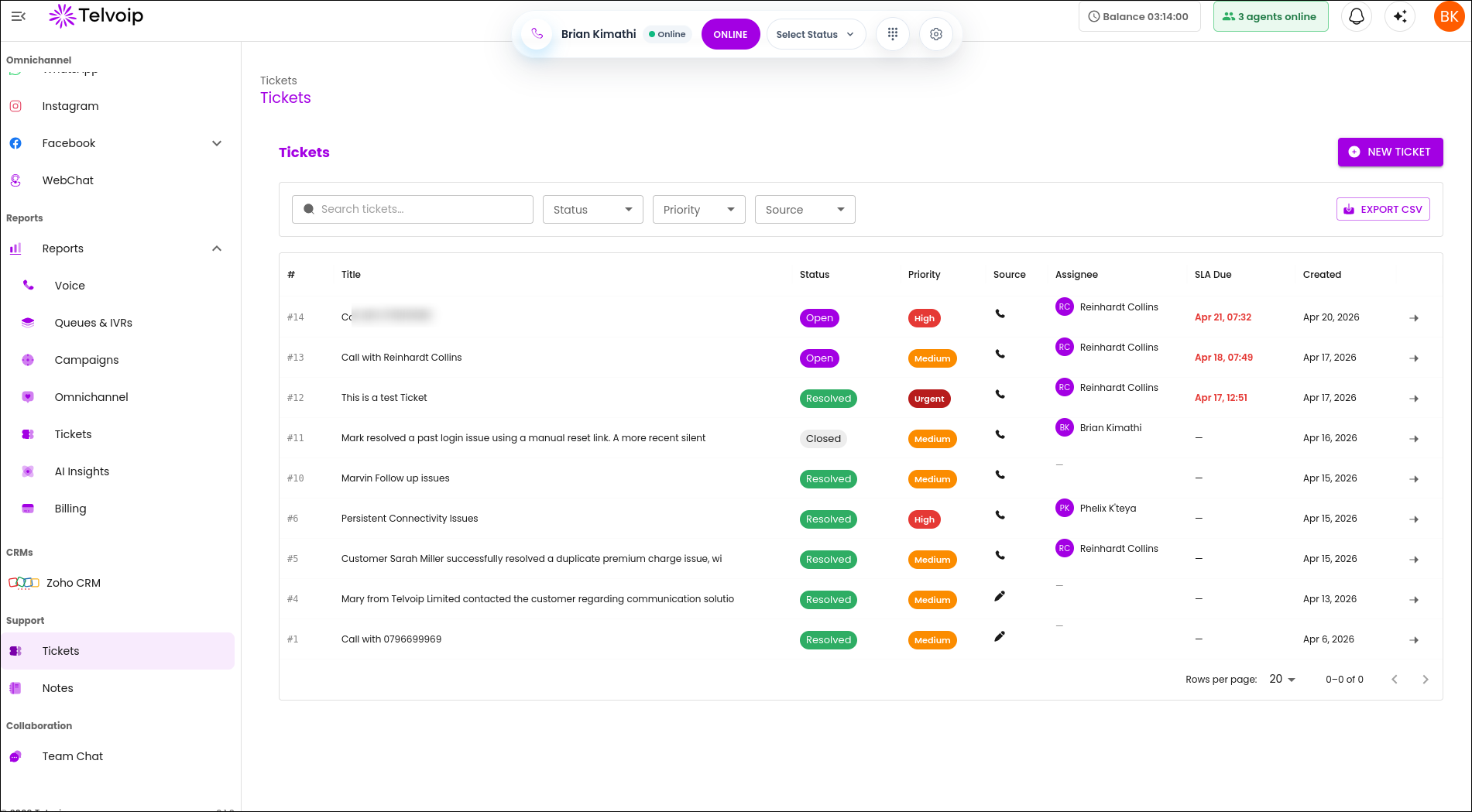
Telvoip team review workflow with ticketing

Publishing checklist

Confirm version labels, UI naming, and image quality. Add a last-updated date so readers know the instructions are current.
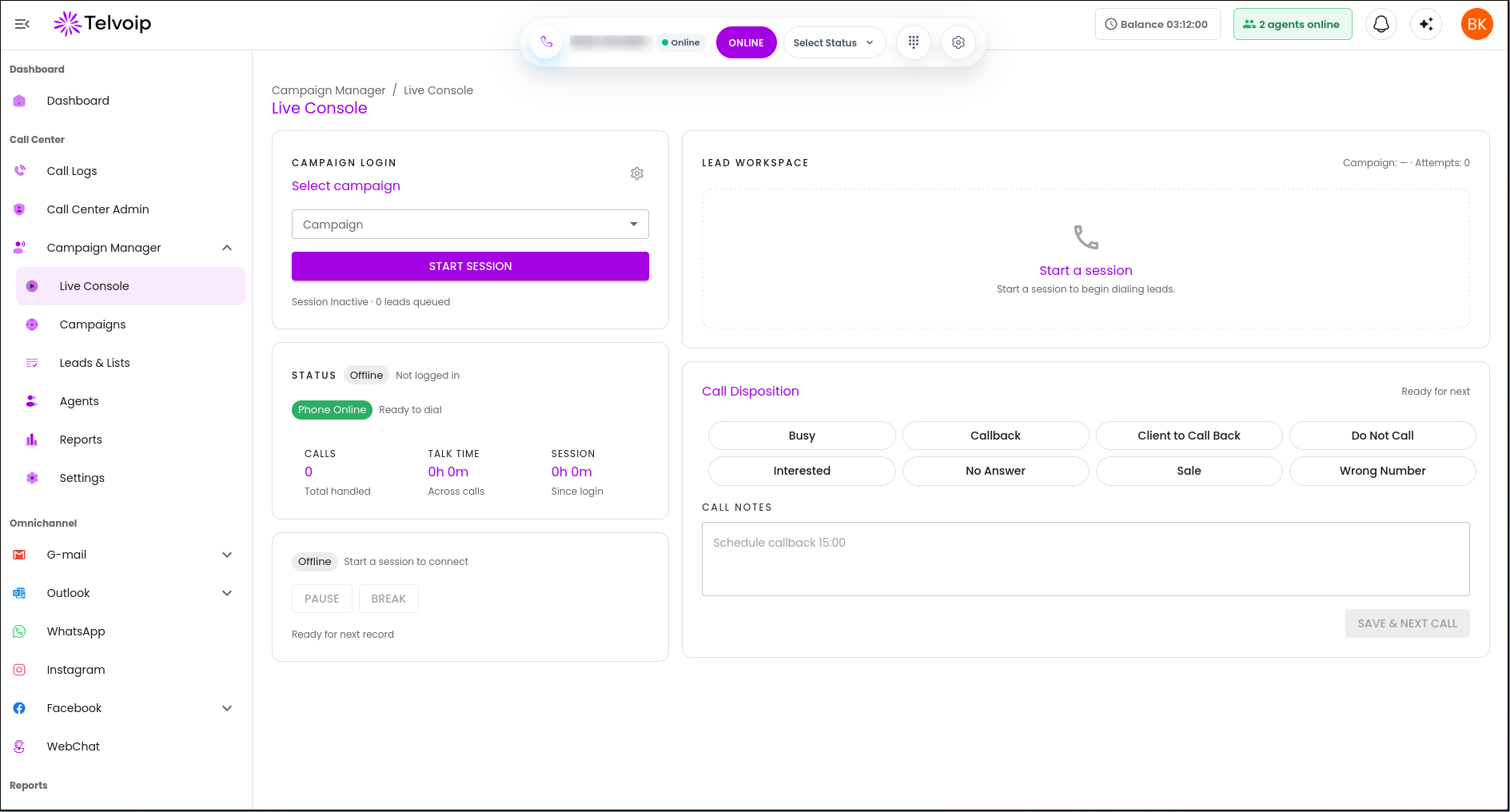
Telvoip publishing checklist and live console

Related articles

How to use Telvoip's editorEditing & Publishing Documentation / Core guides
PreviousNo previous articleNextHow to use Telvoip's editor

Was this helpful?

On this page

Drafting standardsReview workflowPublishing checklist

Stay updated with Telvoip

Get product updates, customer experience insights, and practical contact centre tips in your inbox.

Telvoip

support@telvoip.io

Products

  • Contact Center
  • Omnichannel Inbox
  • AI & Automation
  • Integrations & Ecosystem

Use Cases

  • Fintech
  • Collection Agencies
  • Transport & Logistics
  • Staffing & Recruitment
  • Small Businesses
  • Medium & Large Enterprises
  • Real Estate
  • Healthcare
  • Travel & Hospitality

Company

  • About Us
  • Contact Us
  • Careers
  • Blog
  • Partners

Legal

  • Privacy Policy
  • Terms & Conditions
  • Cookie Policy
  • API Terms of Use
© 2026 Telvoip. All rights reserved.